A fast, lightweight browser for Android phones, with its own AI assistant. Under 1 MB. Android 8 and newer.

SSG Browser keeps everyday browsing focused: reliable web pages, efficient downloads, private sessions, flexible tabs, a considered set of page tools — and SSG AI, an assistant that surfs through the Internet for you. Built on Android's system WebView, it stays compact without asking you to give up the controls you use most.
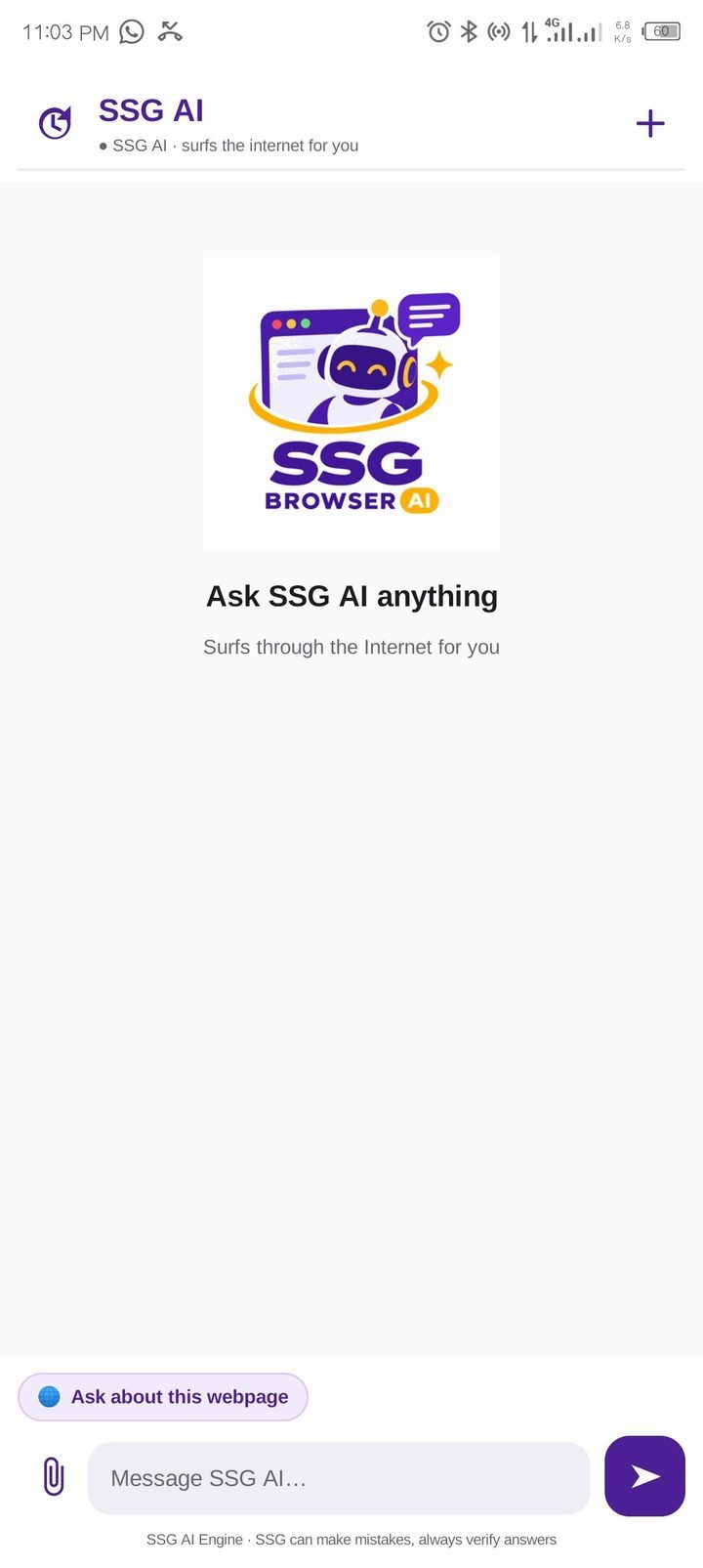
SSG AI is the assistant built into SSG Browser. It researches the Internet on your behalf and returns direct answers in clear, natural language. Each response is matched to the question: a concise fact when brevity is enough, a full explanation when the subject demands it. The conversation retains context, so follow-up questions never need restating — and the service is free, with no account or subscription required.
SSG AI also works with the documents and pages in front of you. Attach a photograph, PDF, Word document or text file — for a summary, a verification or a detailed explanation. For output, request a document in your own words: SSG AI prepares CVs, letters, reports and tables as PDF, Word, text or CSV files, names them appropriately and delivers them through the standard download prompt. On any website, Ask about this webpage gives you a concise briefing on the page you are viewing.

SSG AI: ask in your own words, attach a file, or ask about the page you are on.
Your chat history is stored on your phone only. To provide answers, SSG AI processes your message and any attached files through its engine — do not submit passwords, banking details or identity documents. SSG AI is not available in Incognito. Responses can contain errors; verify important information.
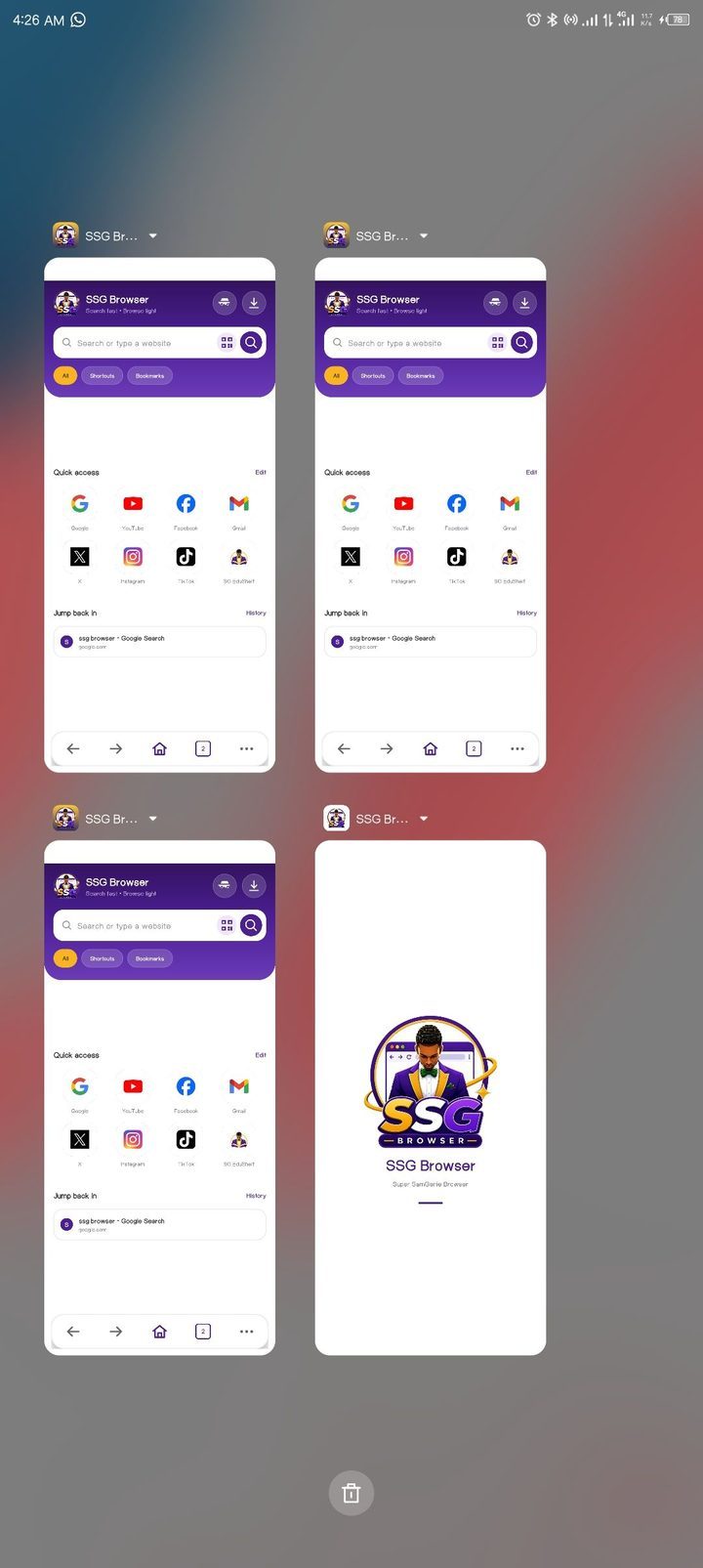
SSG Browser supports Android multi-window browsing: up to three browser windows stay available in Recents and work side by side. Each window keeps and restores its own tabs, while history is shared by all of them.

Multiple SSG Browser windows available together through Android Recents.
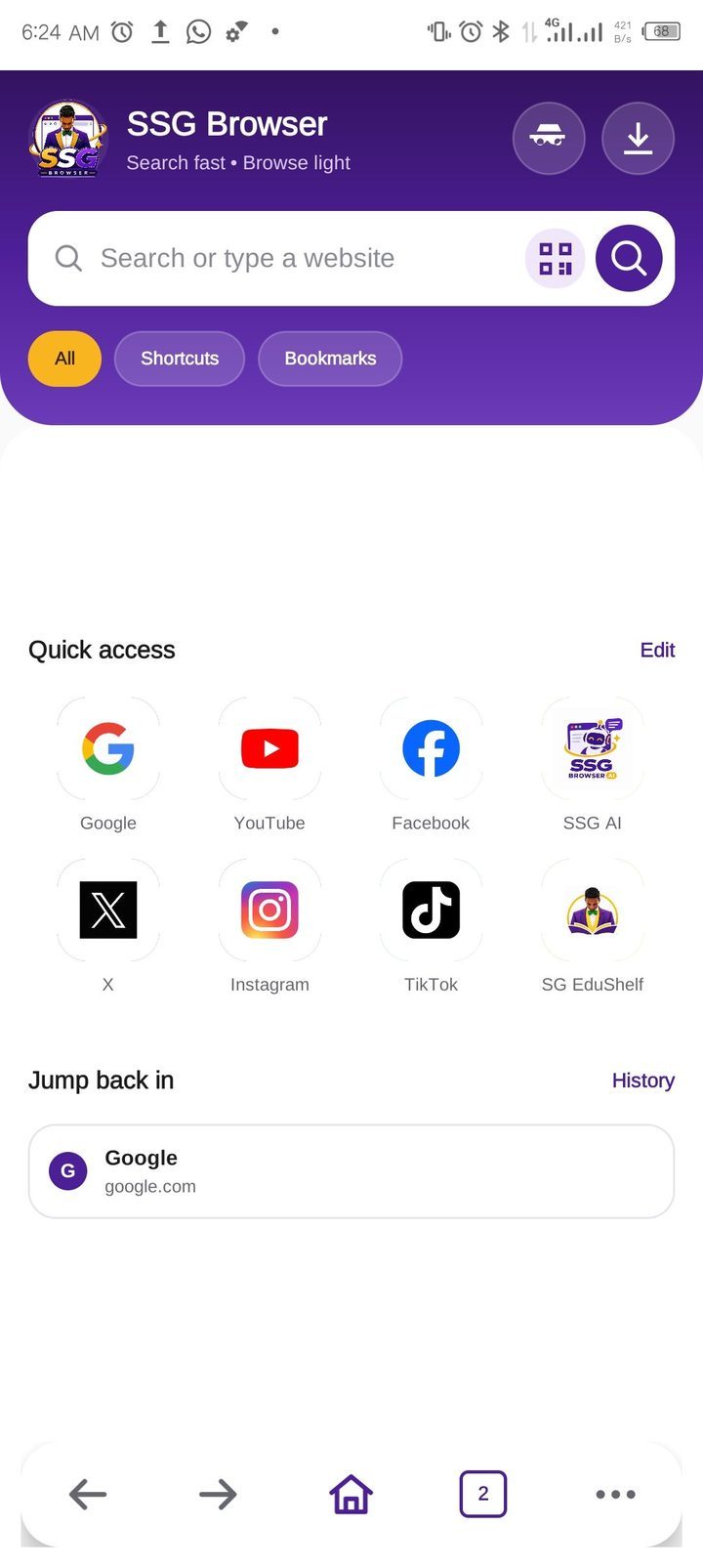
The start page brings search, shortcuts, bookmarks and recently opened pages into one clean view. Eight fixed quick-access tiles — including SSG AI — sit alongside direct routes to Incognito and Downloads, while the layout stays free of sponsored content and unnecessary feeds.

The start page: search, shortcuts, bookmarks and a direct route back to browsing.
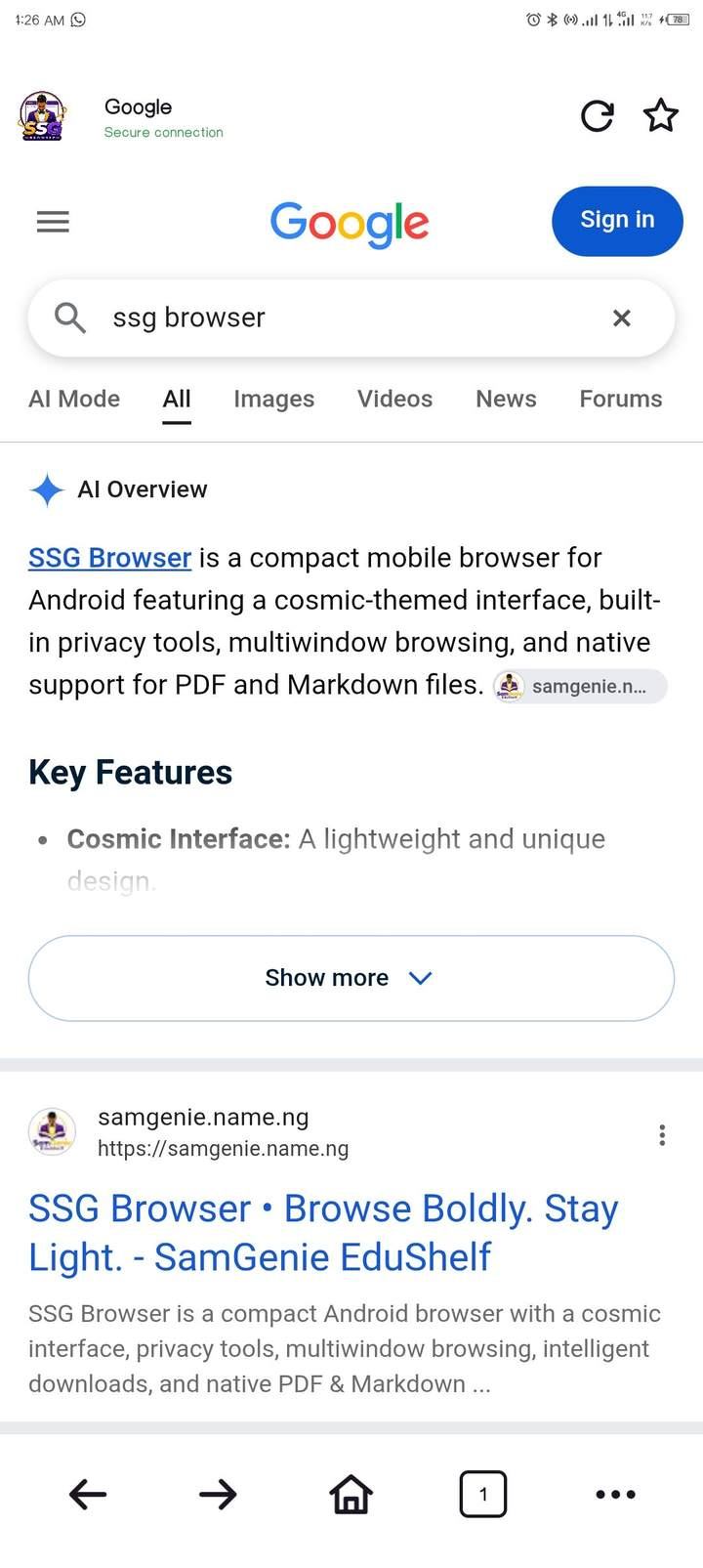
Websites render through Android's WebView with security status, reload, bookmarks and navigation close at hand. When a mobile layout is not enough, desktop mode can be enabled for the site you are viewing. If a page cannot load, SSG Browser shows its own clear offline screen instead of an error page.

Web content through Android's WebView, with the site's security state always visible.
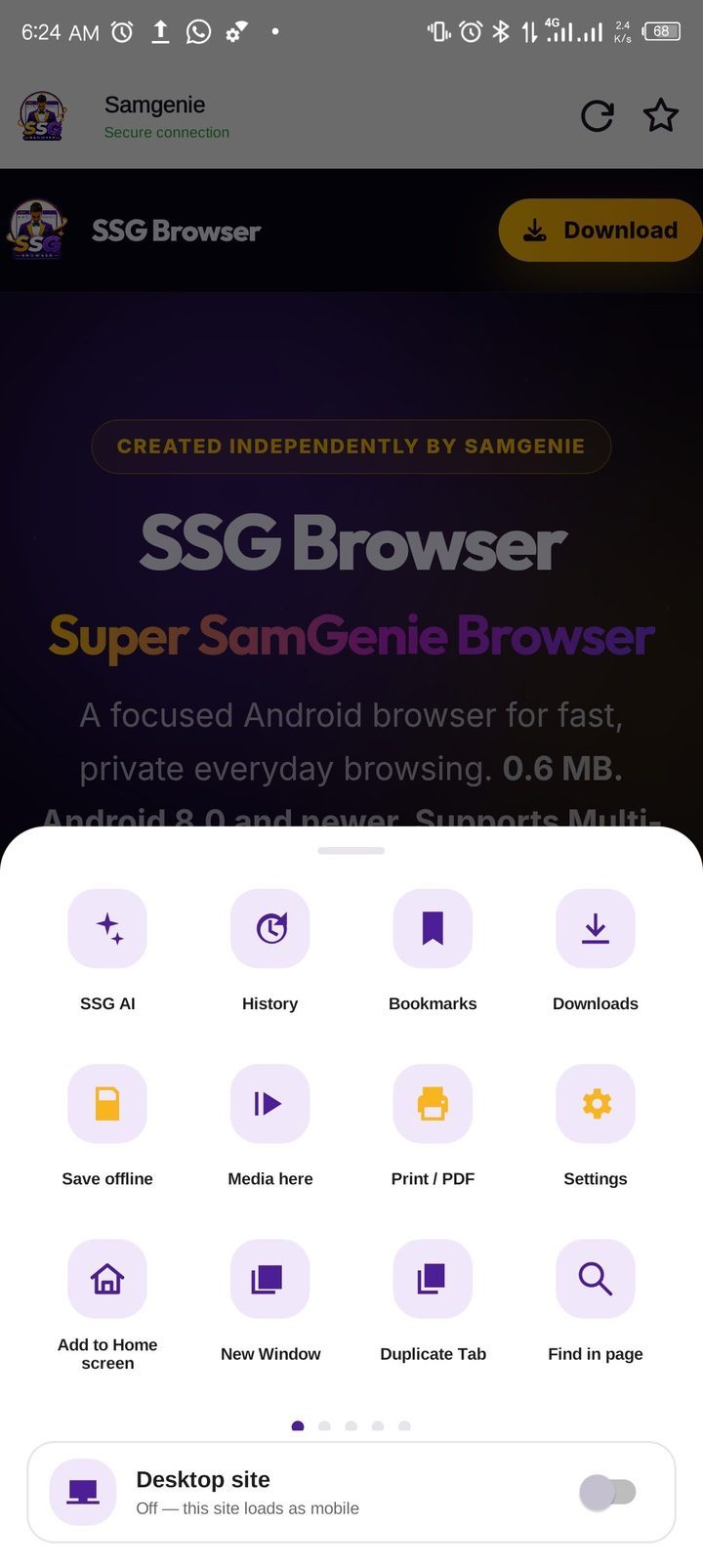
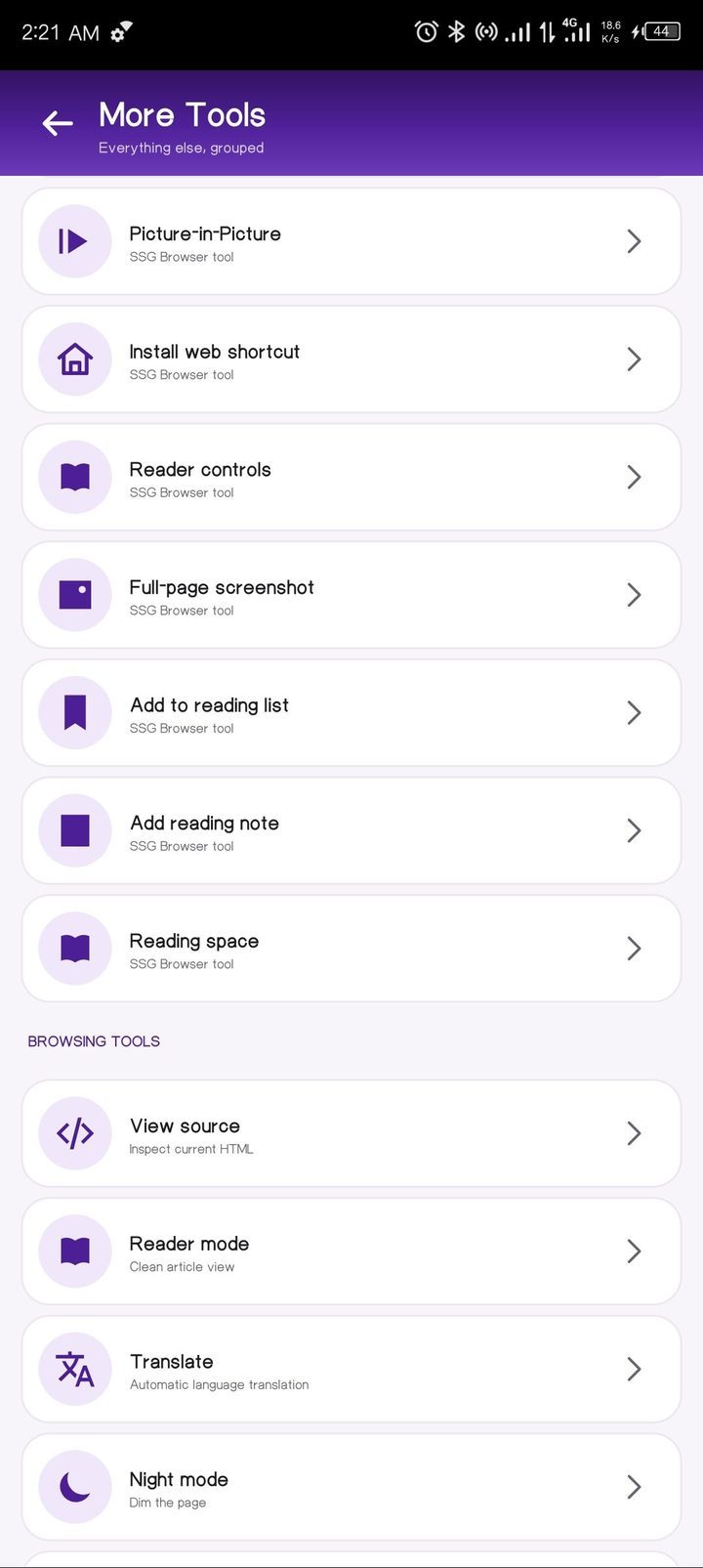
The menu opens with the actions that shape a browsing session — SSG AI, history, bookmarks, downloads, offline pages, media, print, screenshot, find in page and settings. Every other tool is a swipe away, and the Desktop site switch always stays in view.

The menu: swipe for every tool, with the Desktop site switch always in view.
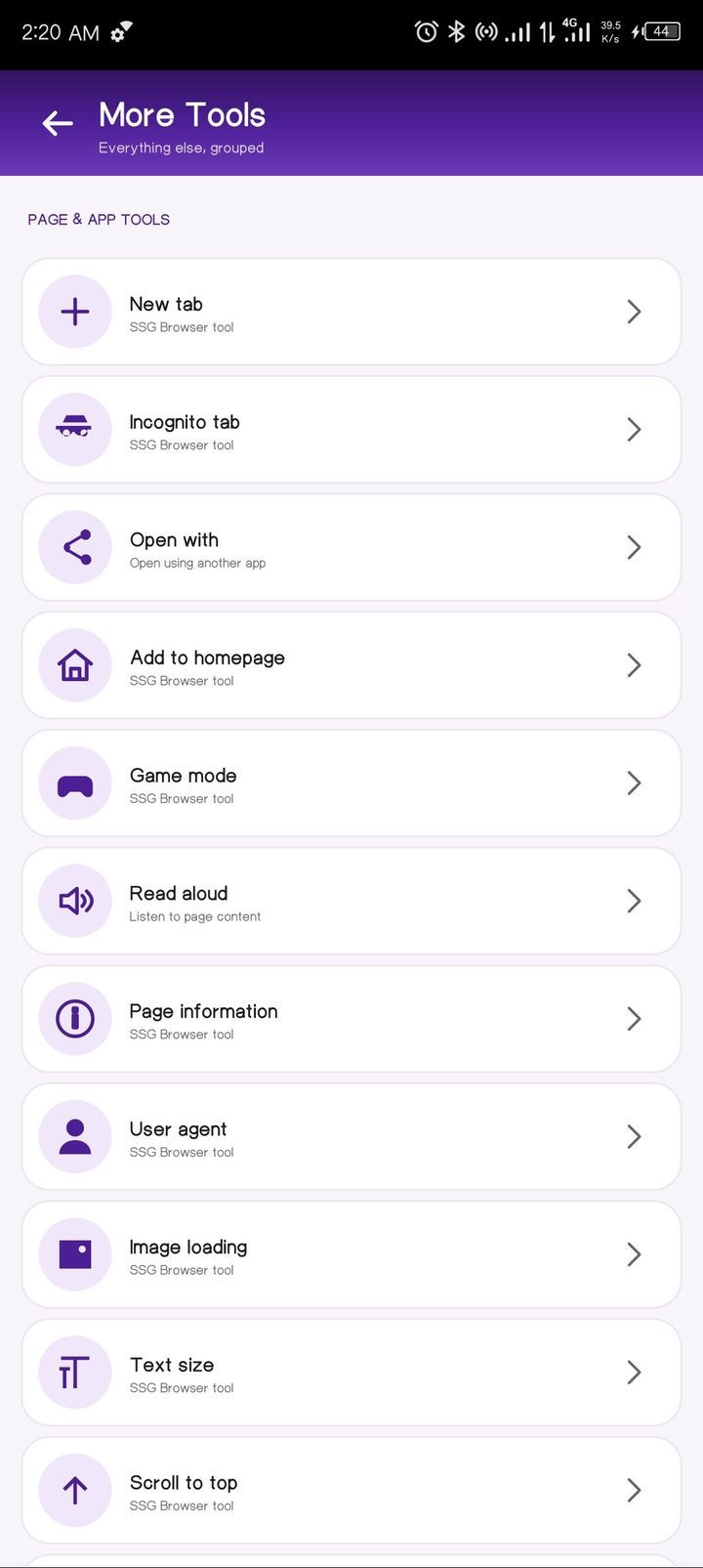
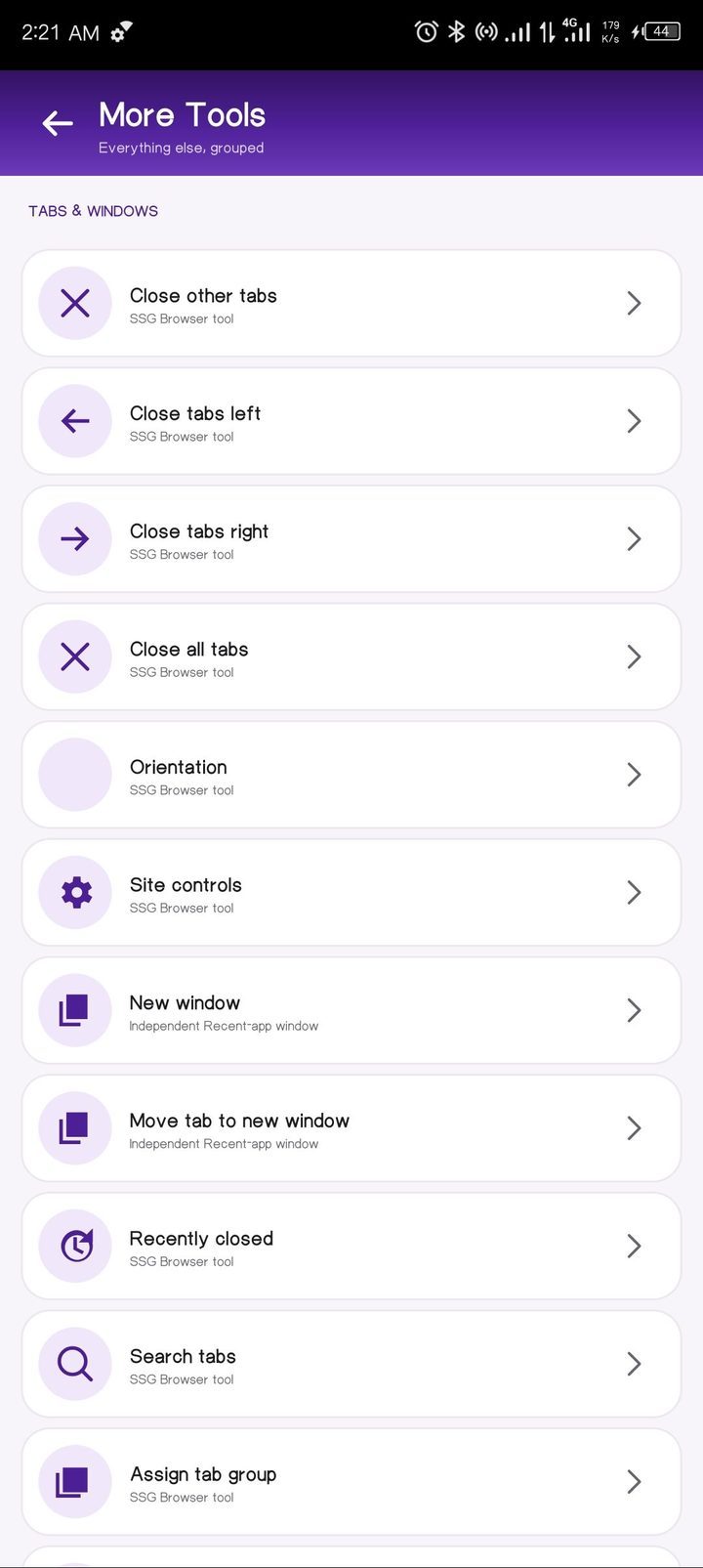
Open a new tab or an Incognito tab, add a page to your home screen, change how a page is presented, adjust image and text settings, start reading aloud, or send the page to another app. The essentials are available without interrupting the page in front of you.

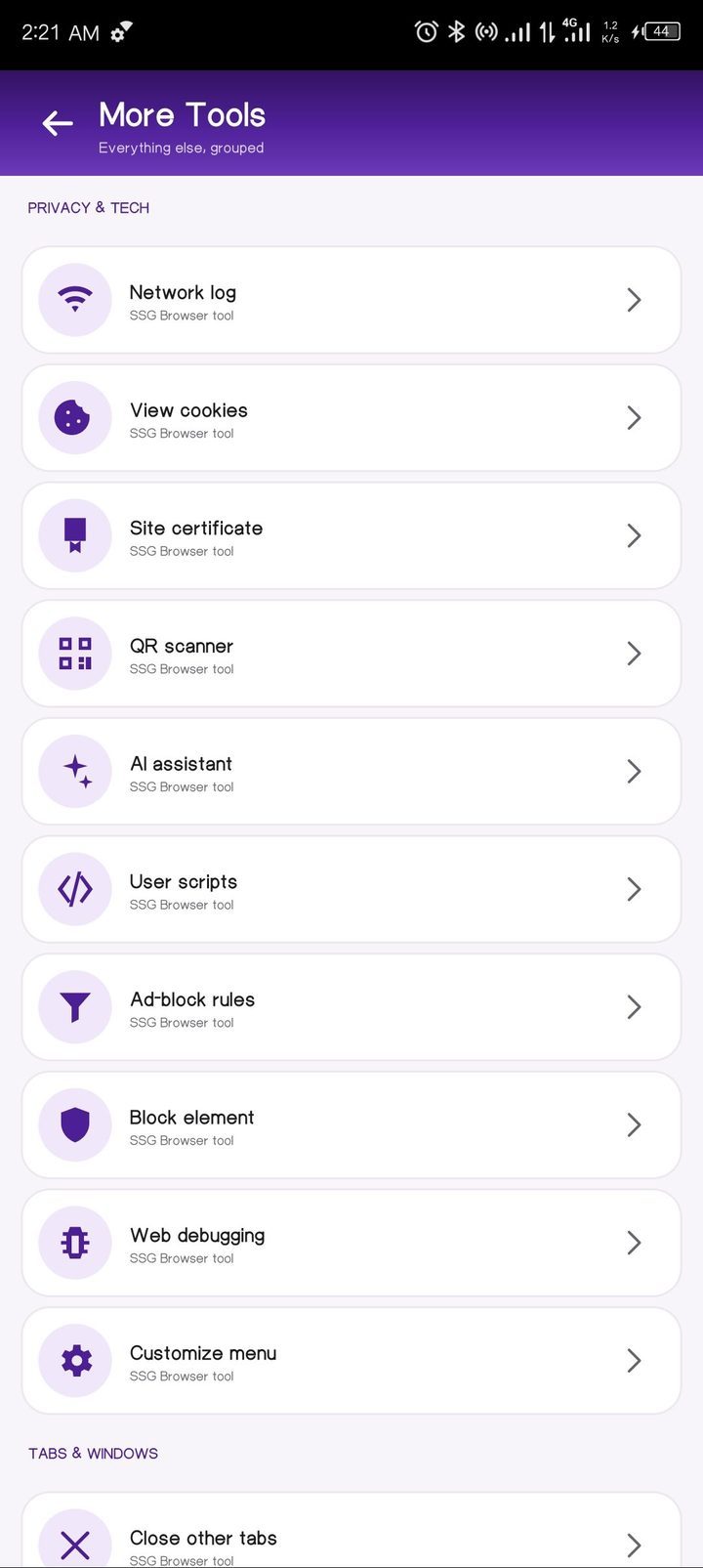
Review the activity behind a page with the network log, cookie viewer and certificate details. SSG Browser also brings together a built-in QR scanner, site controls and web debugging for a more informed browsing experience.

Manage a large browsing session with grouped tabs, tab search, recently closed pages and separate windows. Close related tabs in one action, duplicate a tab, move a tab into a new window, or continue two browser windows side by side through Android Recents.

Set up a more comfortable reading experience with reader controls, Reader mode, translation, Night mode, reading lists and notes. For reference and sharing, SSG Browser also includes full-page screenshots, source viewing, translation and web shortcuts. Pages you add to your reading list are kept in the Library.

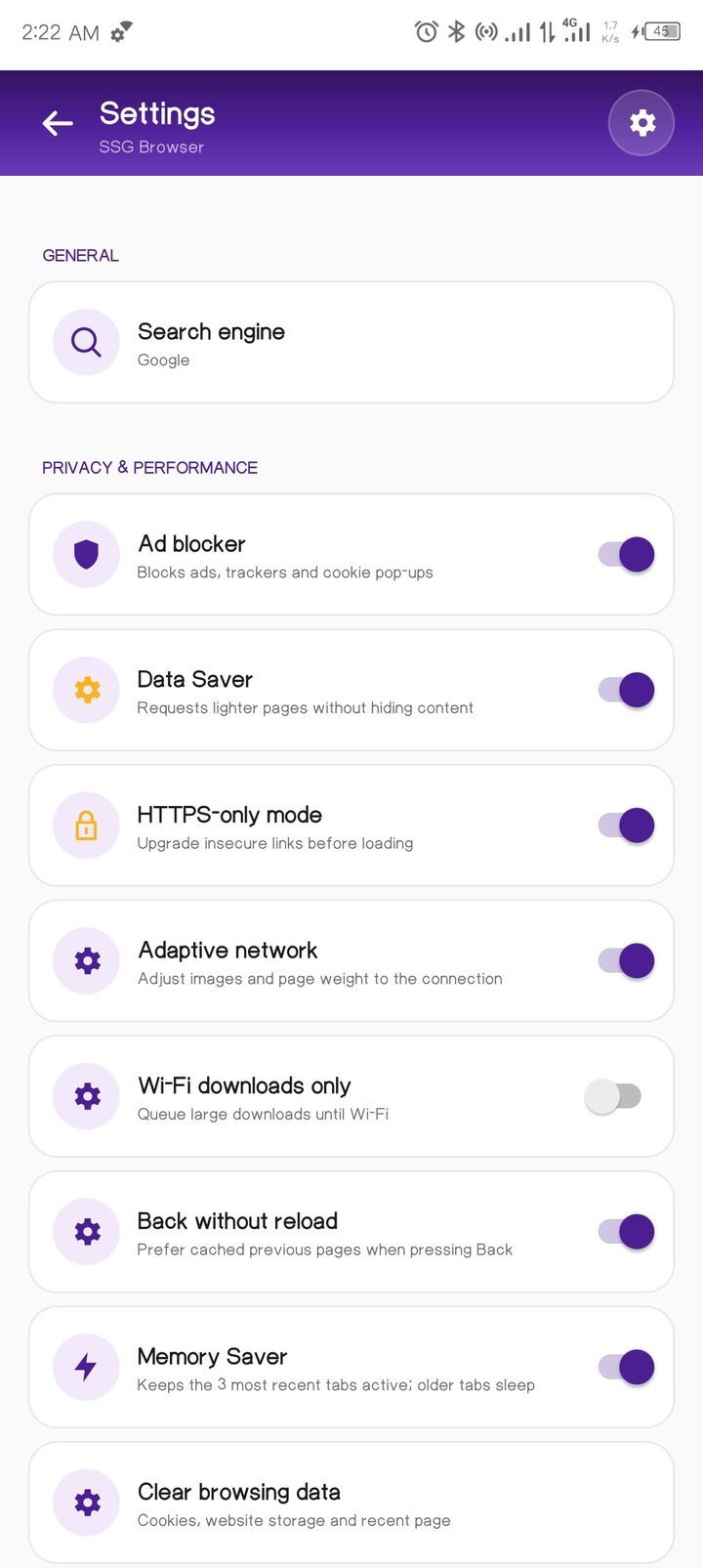
Choose your search engine — Google by default, with Bing, DuckDuckGo, Yahoo and Brave Search.
Privacy and performance controls include an ad blocker for ads, trackers and cookie pop-ups, Data Saver, HTTPS-only mode, adaptive networking, Wi-Fi-only downloads, back without reload, Memory Saver and clear browsing data.
Site permissions, the download folder, saved pages, SSG AI chat history, and Android Autofill and passkeys are available when you need them.

Search, data and privacy controls, presented without unnecessary complexity.
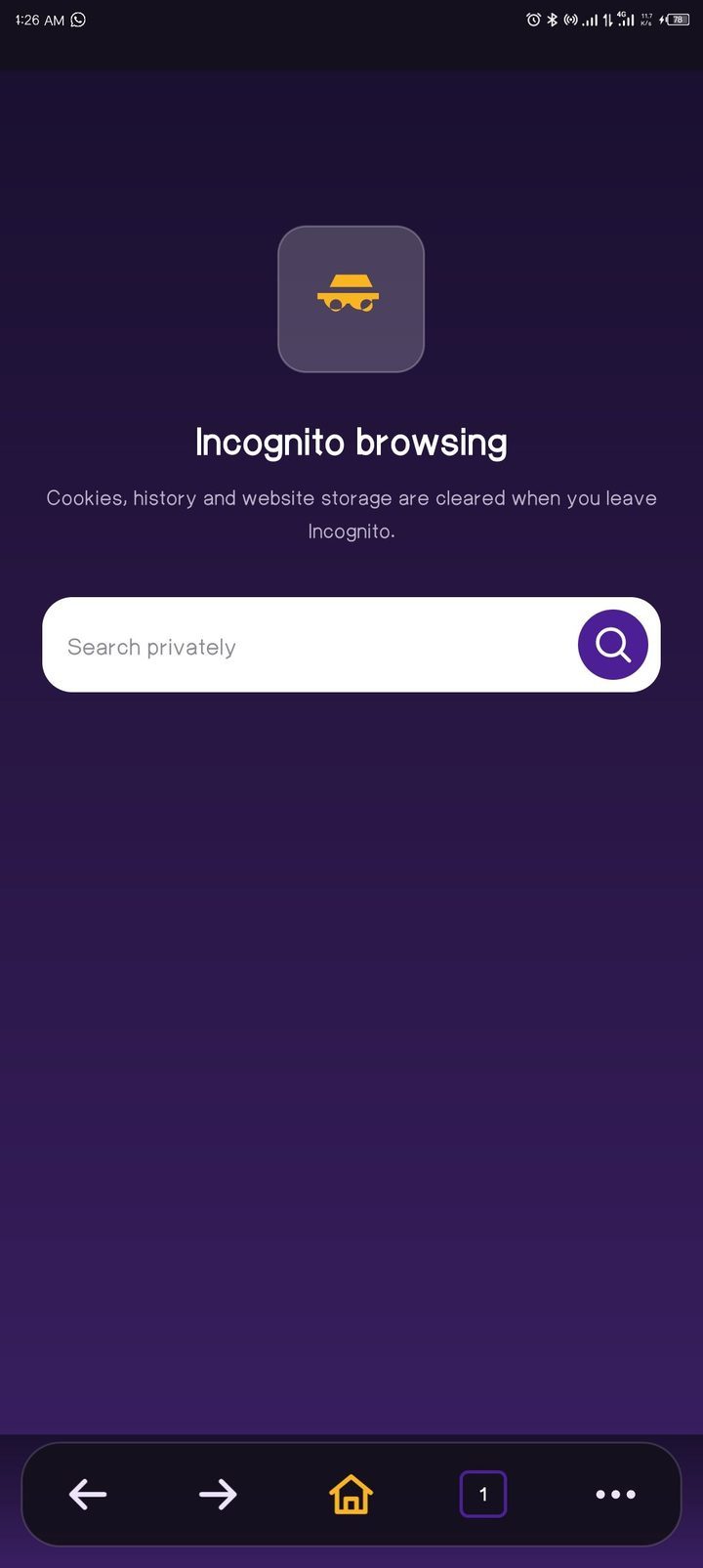
Incognito keeps its own start screen, tabs and storage apart from ordinary browsing. When the session ends, its history, cookies and site data are discarded rather than carried into your regular browser activity.

Incognito browsing with a separate session and a clear exit.
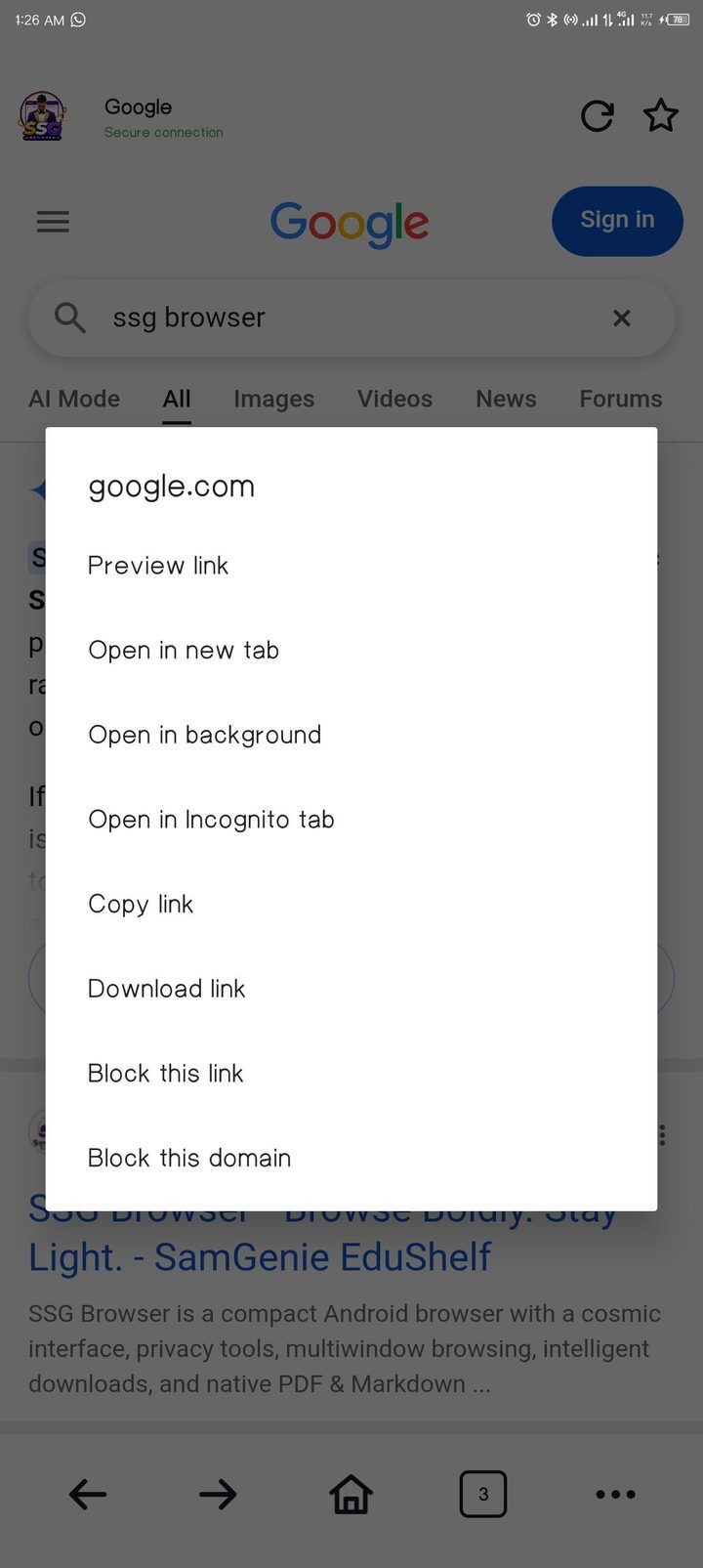
Press and hold a link to see its destination and choose the next step: preview it, open it in a new or background tab, send it to Incognito, copy it, download it or block the link and its domain.

Link actions that make the destination visible before you commit.
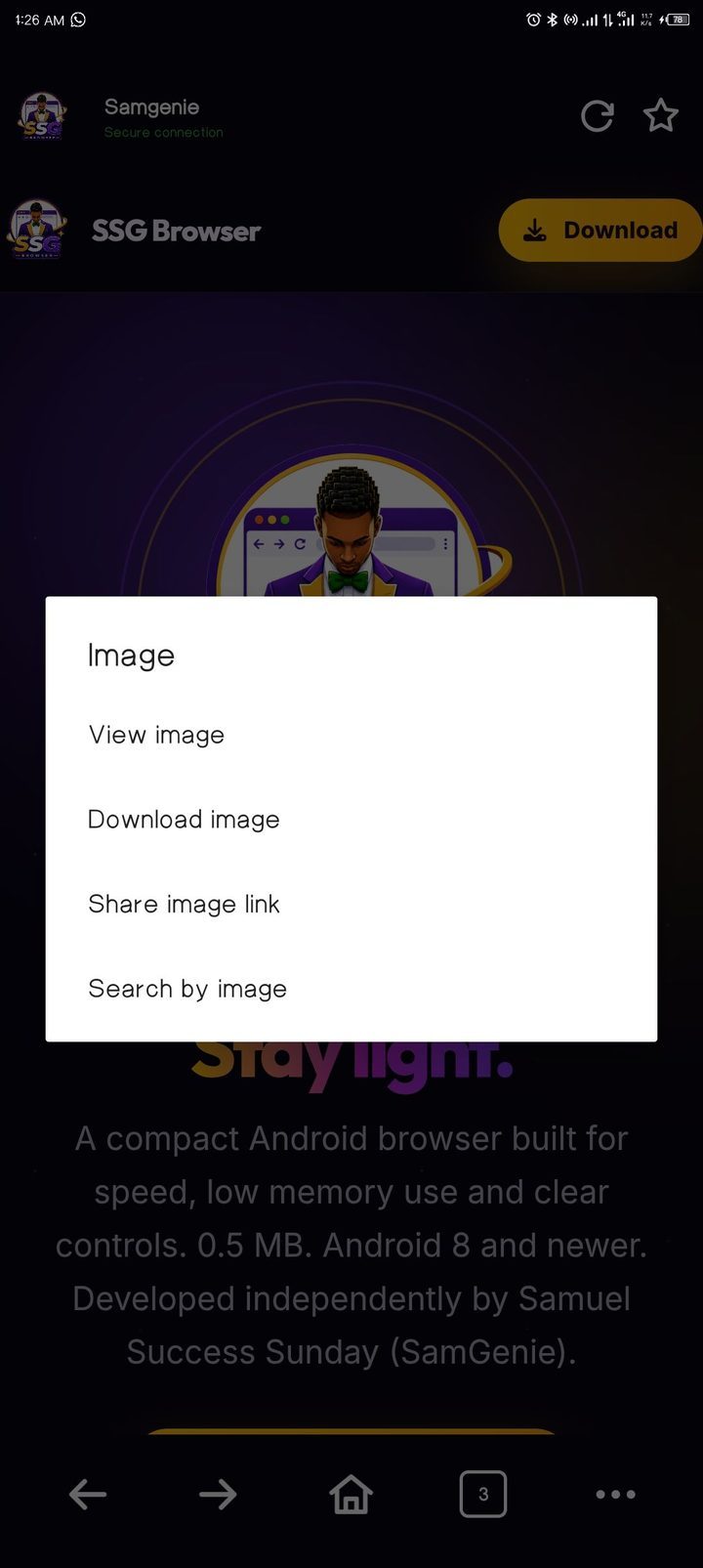
Press and hold an image to view it, download it, share its link or send it to image search. Each option is designed to keep the original resource within reach.

Downloads are managed inside the browser, with pause and resume, a notification when a file is finished, and filters for All, Videos, Files, Active and Screenshots. Every file keeps its real name, and a finished file opens in the app you already use for it.
When a release must be installed before browsing can continue, SSG Browser presents a required-update screen with the download link. Check again clears the block as soon as the update is no longer required, and the download page can always be opened in your browser.
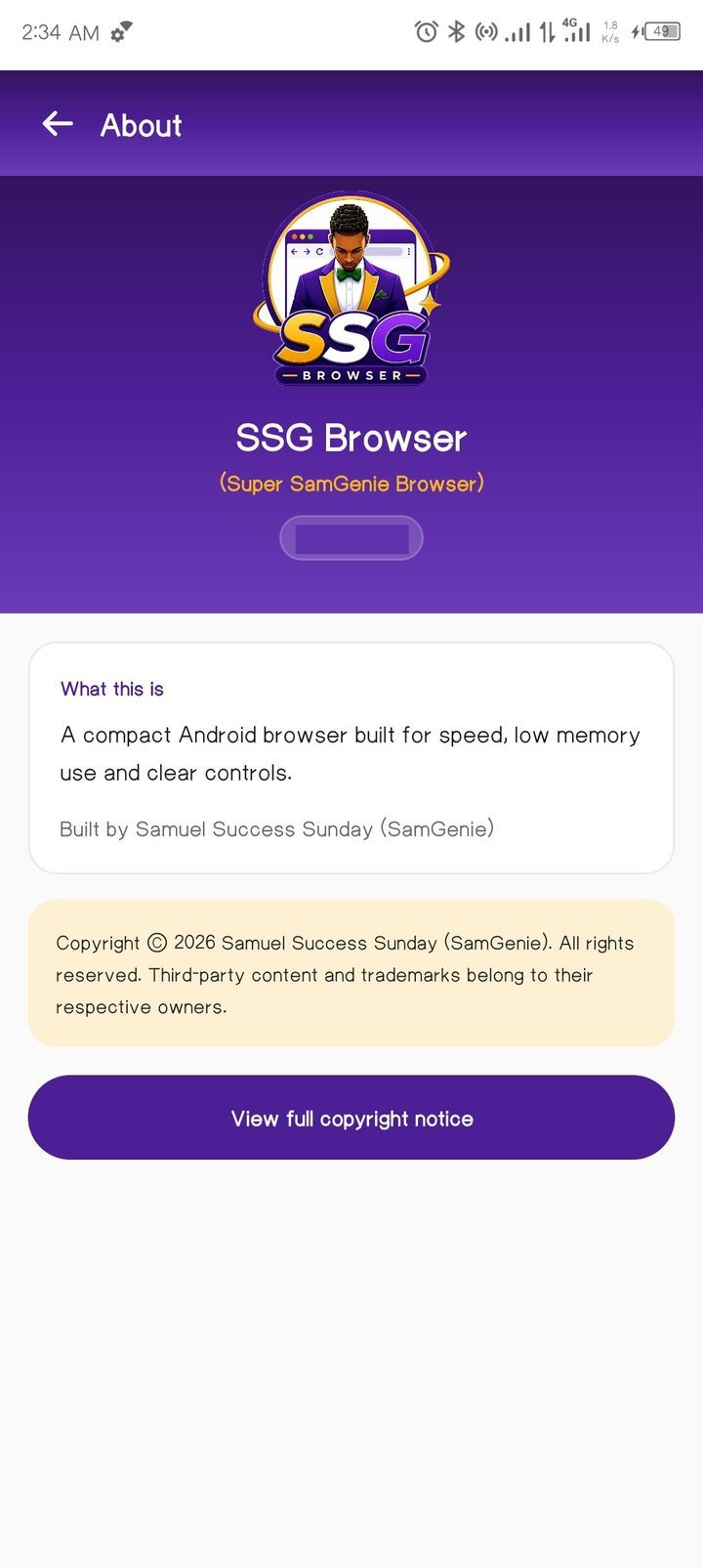
SSG Browser is an independent Android browser developed by Samuel Success Sunday (SamGenie). The About screen provides the product and copyright details, with the complete notice available in the app.
Contact — For sponsorship and complaints, email samuelincredible247@outlook.com. We respond within 24 hours.
Copyright © 2026 Samuel Success Sunday (SamGenie). All rights reserved. Third-party websites, trademarks and media remain the property of their respective owners.

Yes. SSG Browser is available at no charge.
The AI assistant built into SSG Browser. It researches topics on the open web and answers in plain language, works with the documents you attach, and prepares downloadable files on request.
Yes. There is no account, no subscription and nothing to configure.
Conversation history is stored on your phone only and can be deleted at any time from SSG AI's chat history. Messages and attached files are processed to provide answers, so avoid submitting passwords or identity documents.
Android 8.0 and newer.
Yes. It is under 1 MB and uses Android's system WebView rather than bundling an additional browser engine.
Yes — as downloads. A PDF or Markdown link saves with its real file name and then opens in whichever app you use for that file type.
Yes. Multiple SSG Browser windows can appear as separate cards in Android Recents.
It blocks many common advertising and tracking requests and cookie pop-ups. No browser can guarantee every advertisement on every website.
SSG Browser was developed by Samuel Success Sunday, also known as SamGenie.
Under 1 MB. Android 8.0 and newer. Search, tabs, downloads, privacy controls and SSG AI in a compact package.